
An LED display operator training plan should define who may operate the system, which tasks each role must perform, which actions require escalation, how competence will be demonstrated, and how training records will stay aligned with the installed configuration. The goal is not to turn every operator into a repair technician. It is to help authorized users run the display consistently, recognize abnormal conditions, preserve useful evidence, and avoid changes outside their responsibility.
Training works best when it is designed during commissioning and delivered on the accepted production system with the customer’s actual operating procedures. A generic product demonstration may explain buttons and menus, but it does not prove that operators can start the complete system, select approved content, respond to a fault, or hand an incident to support without creating additional risk.
What should an LED display operator training plan include?
Direct answer: include the audience and roles, prerequisites, system boundary, learning objectives, approved procedures, normal operating tasks, prohibited actions, alarm and fault response, practical exercises, competency checks, training materials, attendance and assessment records, document versions, refresher triggers, and an owner for future updates. Every objective should connect to an observable task or decision.
- Identify operators, supervisors, technical support, facilities, IT, and external service roles.
- Map each role to permitted controls, system access, and escalation limits.
- Teach normal startup, source selection, content checks, operating modes, monitoring, and shutdown.
- Use the site’s approved procedures and accepted configuration rather than a generic demo setup.
- Include realistic scenarios for missing content, partial image loss, alarms, and loss of monitoring.
- Assess each required task through observation, questions, or a controlled simulation.
- Record who was trained, on which system and document version, by whom, and with what result.
- Define when changes, incidents, staff turnover, or elapsed time require refresher training.
Start with roles and operating authority
Training scope should follow responsibility. A daily operator may need to confirm system readiness, select an approved source or preset, recognize a fault, capture evidence, and contact support. A supervisor may also approve a degraded mode or decide whether the display should remain in service. A technical specialist may have access to configuration, diagnostics, backups, and controlled changes. Those responsibilities should not be mixed simply because the interface makes an action available.
On smaller screens, swipe horizontally to view all columns.
| Role | Expected capability | Typical limit | Evidence of competence |
|---|---|---|---|
| Daily operator | Pre-use checks, approved startup and shutdown, source or preset selection, visual confirmation, first report | No undocumented configuration or component changes | Observed normal-operation scenario |
| Shift lead or supervisor | Confirm impact, authorize agreed operating modes, coordinate communications and escalation | No technical diagnosis beyond approved decision tree | Incident and escalation exercise |
| AV or IT support | Read supported status, collect logs, compare baseline, perform authorized recovery steps | No firmware or mapping changes without change approval | Controlled diagnostic and restoration exercise |
| Qualified service technician | Approved configuration, repair, replacement, calibration, and technical testing within assigned scope | Project, manufacturer, electrical, structural, and site boundaries still apply | Role qualification plus task-specific service record |
| Business owner | Define required service, acceptable degraded modes, critical periods, and closure authority | Does not replace technical or safety authorization | Decision and communications walkthrough |
This role matrix should match system permissions. If a daily operator account can change receiver mapping or upload firmware, training alone is not an adequate control. Use role-based access where the platform supports it, and document any unavoidable access limitation.
Deliver training before final handover
LED screen handover training should occur after the core configuration and operating procedures are stable but early enough to correct gaps before acceptance. Operators need access to the installed source chain, control interfaces, presets, monitoring platform, labels, and service contacts they will actually use. If training happens on a temporary configuration, clearly identify what will change and verify those differences at final handover.
Training is one deliverable within the wider LED display commissioning and handover checklist. The customer should confirm required participants, language, shift coverage, accessibility needs, training environment, assessment method, and record format before the session is scheduled.
Teach the complete system boundary
Operators should understand the path from content source to visible image at a level appropriate to their role. That can include the source device, switching, video processing, LED controller, sending and receiving chain, display cabinets, power and distribution, control network, monitoring, and any room or building dependency. The purpose is not component theory; it is knowing where an observed symptom may begin and which team owns the next check.
Use the accepted asset names found in drawings, labels, dashboards, and support tickets. “Processor A” or “cabinet C12” is useful only when the same name identifies the same object everywhere. The as-built documentation plan explains how to keep those names, maps, versions, and configuration records consistent.
Build training around real operating procedures
A strong LED wall operator training checklist follows the work operators must perform. Begin with access and pre-use inspection, then cover the approved startup sequence, input and preset selection, content verification, brightness or schedule controls that the role may use, monitoring, normal shutdown, and end-of-shift handover. Use clear stop points when an unexpected condition requires escalation.
Demonstrate the approved startup and shutdown plan on the actual system. Operators should be able to distinguish commanded state from visible confirmation and understand which dependencies must be ready. Do not teach ad hoc power cycling as a universal response; the equipment instructions, installation design, and site procedure govern the sequence.
Use scenarios that test decisions, not memory
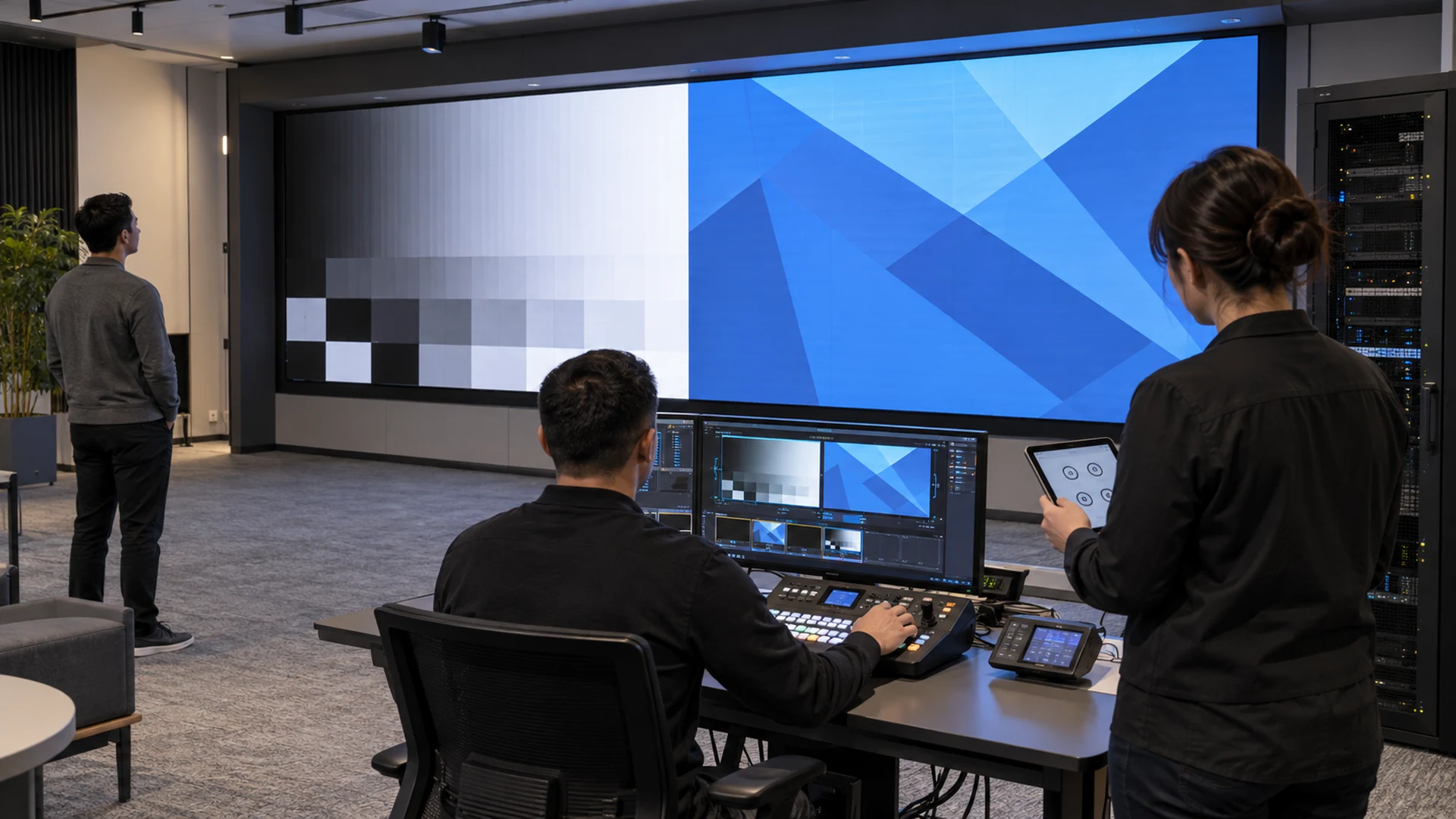
Passive explanation is not enough for operational readiness. Give each participant a controlled scenario and ask them to complete the relevant task while explaining what they are checking. Useful scenarios can include selecting the correct approved source, confirming a full-canvas image, identifying an intentionally simulated alarm, reporting a localized dark area, responding to loss of monitoring, and handing an incident to support.
The exercise should not create a real fault or bypass safety controls. Use simulations, training modes, isolated test equipment, or instructor-provided symptoms where possible. If a recovery scenario is included, it should follow the documented black-screen recovery plan and stop at the boundary of the participant’s authority.
Assess competence with observable criteria
An LED display competency assessment should measure whether a participant can perform required tasks safely and consistently, not whether they attended a presentation. For each role, define a small set of observable outcomes: identify the system boundary, complete the approved startup, select and confirm a source, recognize an abnormal state, capture the required evidence, choose the correct escalation route, and return or hand over the system in a known state.
Use clear results such as demonstrated, demonstrated with coaching, or not yet demonstrated. Record the exact task and document version used. A failed assessment is not a reason to improvise authorization; it identifies where additional practice, clearer documentation, or a different role assignment is needed.
Teach evidence capture and escalation
Operators are often the first people to see a problem. They should know how to describe the visible symptom, record local time and timezone, identify the affected area, note the source and operating mode, preserve approved photos or video, and avoid presenting a guess as a verified cause. They also need to know when a safety instruction or required recovery action takes priority over documentation.
Use the LED display incident report template during training so the handoff process is familiar before a real event. Connect severity and response expectations to the maintenance SLA, including the named contact, backup route, required evidence, and what the operator should do while waiting for support.
Create materials operators can use under pressure
Training materials should be shorter and more task-focused than a technical manual. A useful operator pack can include a system overview, role matrix, daily checklist, startup and shutdown procedure, source and preset guide, first-response decision tree, incident form, escalation contacts, prohibited actions, and the location of controlled technical documents.
Use screenshots only when they match the current software and account permissions. Mark document revision and approval date, and avoid embedding reusable passwords or sensitive access details. If a platform, preset name, asset map, or procedure changes, update the material before relying on it for the next session.
Maintain an auditable training record
An LED display training record should identify the participant, role, trainer, date, site and display, topics, practical scenarios, assessment result, document and configuration references, open actions, and authorization decision. Attendance and competence are different fields. A signature can confirm participation, but the assessment evidence shows whether the required task was demonstrated.
Store the record according to the customer’s document policy and make the current authorization list available to the service owner. When staff change roles or leave, review access as well as the training record. An operator should not retain unnecessary configuration privileges merely because an old attendance sheet exists.
When should operators receive refresher training?
Refresher training should follow defined triggers rather than an arbitrary assumption that one handover session lasts forever. Triggers may include major software or firmware changes, revised procedures, new source or control equipment, changes to redundancy or monitoring, repeated operating errors, a significant incident, long periods without use, new staff, or a change in assigned authority.
Review training impact whenever a controlled change affects the operator interface or decision path. The change owner should state whether materials, permissions, exercises, or competency records need revision. Keep technical change approval separate from operator authorization, but link the records so each team can see the accepted baseline.
What should buyers require in the RFQ?
- Training-needs review covering roles, shifts, language, accessibility, and existing skills.
- Project-specific agenda tied to the installed system and accepted operating procedures.
- Named trainer qualifications and the boundary between product instruction and site procedure.
- Hands-on time for each operator role, not only a group presentation.
- Controlled scenarios for normal operation, abnormal conditions, incident handoff, and escalation.
- Competency criteria, reassessment method, and authorization responsibility.
- Editable operator materials plus controlled final copies and revision identifiers.
- Attendance and assessment records in an agreed format.
- Refresher or train-the-trainer scope and the conditions that trigger updates.
- Remote or on-site support arrangements after handover.
Questions about LED display operator training
How long should LED display operator training take?
The duration depends on role count, system complexity, operating procedures, shift coverage, language, and the number of practical scenarios. Specify learning outcomes and individual hands-on opportunities first; then build a realistic schedule around them rather than buying training only by the hour.
Can one trained employee teach everyone else?
A train-the-trainer model can work when the selected person is assessed for both system competence and instructional responsibility, receives editable controlled materials, and has a process for recording later assessments. Informal knowledge transfer alone can lose important limits and escalation rules.
Should operators learn advanced configuration?
Only when advanced configuration belongs to their assigned role and permissions. Daily operators usually need normal controls, verification, evidence capture, and escalation. Mapping, calibration, firmware, and deeper diagnostics should remain with authorized technical roles unless the project explicitly assigns and assesses them.
Is remote training enough for a new LED wall?
Remote instruction can support theory, document review, and refreshers. Initial operational readiness usually benefits from supervised practice on the installed system or a representative test setup, especially when site routing, presets, dependencies, and escalation paths are project-specific.
Who approves an operator after training?
The customer’s designated system or service owner should approve authorization based on the agreed competency evidence. The trainer can report assessment results, but access and operating authority remain an organizational responsibility.
Turn handover knowledge into repeatable operation
A practical LED display operator training plan connects people, permissions, procedures, evidence, and assessment. It replaces the vague goal of “showing the customer the screen” with measurable operating readiness. Operators know what they may do, what they must verify, when to stop, and how to give support a useful handoff.
KSSdisplay can help project teams define the training boundary, role matrix, operator materials, scenarios, acceptance evidence, and support handoff for a maintainable LED system. Review the available support resources or contact KSSdisplay with the application, system architecture, operator roles, shift pattern, delivery location, and target handover schedule.




