
LED display player storage should be selected for the complete operating workload, not just the size of today’s video. Confirm the exact player’s supported storage, allow room for the current and incoming campaigns, and test playback while content is being updated. A larger card does not automatically solve an incompatible file system, an unsupported video format or a failed update process.
For buyers and integrators, the useful question is: can this storage configuration keep the approved content running and accept the next campaign without an unplanned site visit? That decision combines capacity, compatibility, performance and service access. This guide explains what to specify and verify before approving a player or a multi-site order. The examples below are planning illustrations, not measured results from a KSS installation.
Define what is actually stored on the player
Start with an inventory of unique files that must reside on each device. Include active campaigns, preloaded future campaigns, fallback content and any application data or logs that use the same storage. A playlist duration is not a storage inventory: one file repeated many times may occupy one copy, while multiple language versions can require separate files.
Ask the CMS provider which files are downloaded, which are streamed, and which are retained after a schedule ends. Also ask whether replacing a file temporarily requires both versions to remain available. Do not assume that a cloud-hosted CMS eliminates local storage, or that removing an item from a playlist immediately releases its space.
Distinguish three locations in the project scope: the publishing workstation, the CMS library and the installed player. Storage at one location does not necessarily increase capacity at another. An LED processor’s input resolution is also not a statement about the media player’s available storage. Confirm these boundaries during LED display CMS selection, before comparing quotations that include different control equipment.
Match the storage medium to the exact player
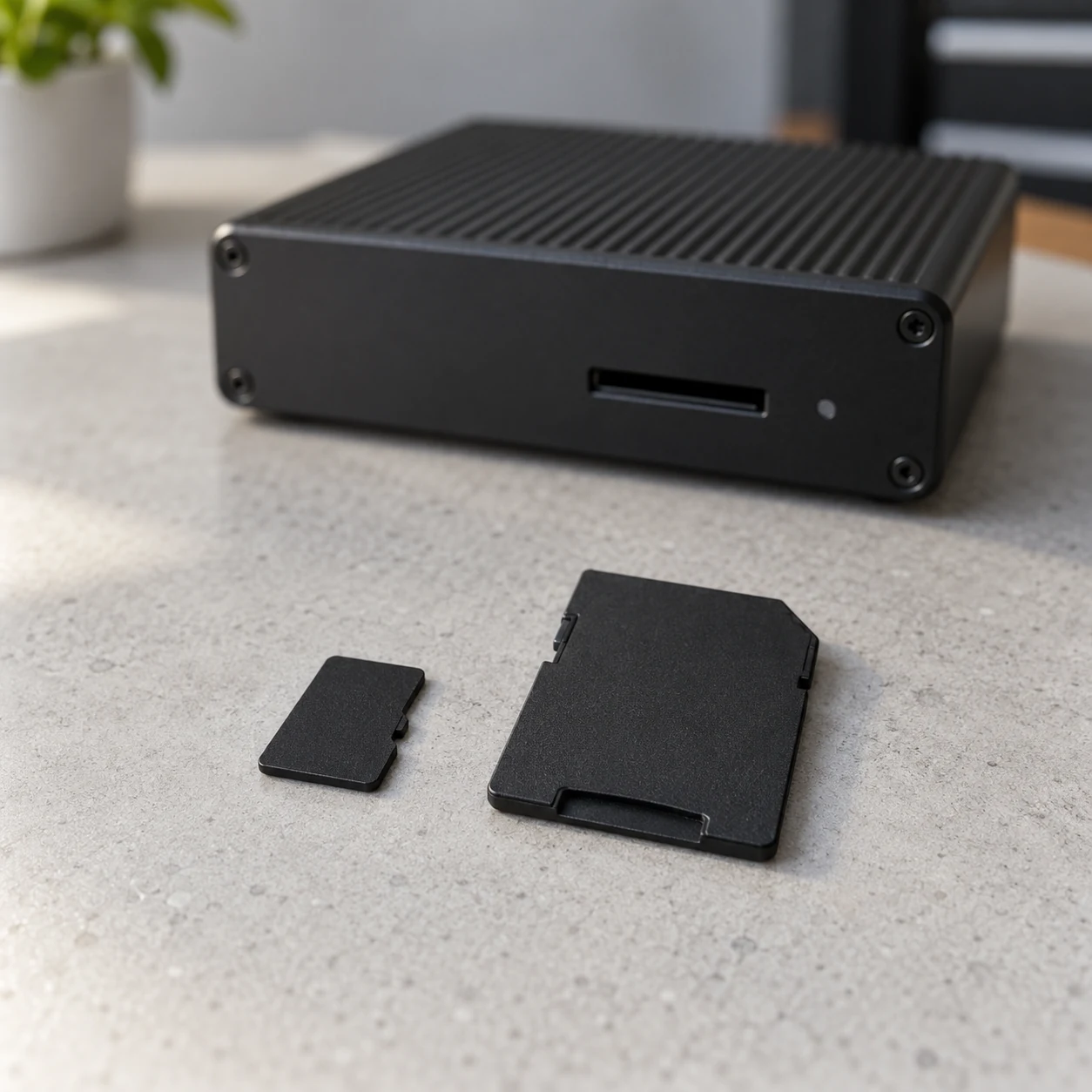
Identify the player model, operating software version, storage interface and approved storage part number. Record whether the medium is removable or built in, who supplies it, and whether replacement needs access to a locked cabinet or a service visit. A generic specification such as “memory included” leaves too much unresolved.
As one vendor-specific example, BrightSign’s storage-by-model documentation distinguishes support for USB, microSD, SSD and other storage across player models. Its file-system notes also show that recognizing a medium does not necessarily mean every publishing function is supported. Use the current documentation for your selected model rather than transferring one player’s compatibility list to another.
Ask for a complete configuration in the quotation: player, storage manufacturer and part number, capacity, file system, software version and publishing mode. If the supplier proposes an equivalent replacement later, require confirmation and a repeat of the relevant acceptance tests. A matching capacity label alone does not establish equivalence.
Physical access matters too. A removable card is convenient only when the approved service procedure can actually be carried out at the installation. Confirm whether the player must be shut down before removal and how its working configuration is preserved. Follow the manufacturer’s handling instructions; do not assume hot removal is supported.
Calculate the largest storage footprint during an update
Plan for the point when old and new assets may coexist. The steady-state campaign may fit comfortably, yet the next update may not. Ask the CMS supplier how it downloads, stages, verifies and removes files before deciding how much free space to reserve.
When only encoding information is available, a first estimate is: file size in MB = total average bitrate in Mbps × duration in seconds ÷ 8. This uses decimal units and assumes the bitrate includes all streams being counted. Container overhead and variable bitrate can change the result, so use the actual exported file sizes for the final inventory.
For example, a hypothetical 30-minute file averaging 20 Mbps is approximately 20 × 1,800 ÷ 8 = 4,500 MB, or 4.5 GB. Two distinct files of that size total about 9 GB. Playing one file in a repeated loop does not multiply its stored size by the number of repetitions, unless the publishing workflow creates additional copies.
The following is an illustrative budget for one player. It assumes a full incoming campaign remains separate from the current campaign until changeover. The allowances are chosen for this example; they are not universal requirements.
On smaller screens, swipe horizontally to view all columns.
| Storage item | Example allowance | What to confirm |
|---|---|---|
| Current campaign | 9 GB | Unique files resident on this player |
| Incoming campaign | 9 GB | Whether both campaigns coexist |
| Fallback content | 0.5 GB | Whether retained separately |
| Application data and logs | 0.5 GB | Location and retention behavior |
| Working and growth allowance | 3 GB | Staging, temporary data and planned growth |
| Total planning footprint | 22 GB | Compare with actual usable space |
Do not treat the printed capacity as the amount available to the application. Check the usable space reported by the configured player, including any other software or partitions. Ask the supplier to size the medium above the verified peak requirement while respecting the model’s capacity limits. This is more defensible than prescribing one card size for every LED wall.
For multiple sites, calculate per-player requirements. A shared CMS library can contain assets that are never delivered to a particular branch. Conversely, a player holding several future local campaigns may need more space than the central team’s standard content pack suggests.
Separate speed labels from playback acceptance
Storage capacity answers how much data fits. It does not by itself show whether the device can handle the intended workload. Request a test with the actual video formats, layouts, simultaneous playback requirements and update process that will be used on site.
The SD Association’s speed-class guide describes minimum sequential access performance under defined conditions. Treat that rating as one selection input, not proof of a complete signage system’s reliability. It does not demonstrate that your player can decode the proposed files or complete a campaign changeover while other activity is taking place.
A workstation transfer benchmark also leaves important questions unanswered. Does the installed player sustain the intended playback? Can it receive the next package without visible interruption beyond the agreed behavior? Does the application report storage errors? Do the results remain acceptable after a normal restart?
Keep decoding and storage issues separate during diagnosis. A rejected codec, excessive layout workload or unsuitable output configuration can look like a storage problem to an observer. Preserve the test file and error evidence so the supplier can identify the actual limit rather than replacing cards without a diagnosis.
Check file-system and individual-file limits
Before commissioning, confirm that the selected file system supports the required publishing mode and the largest individual asset. Total free space is only one part of that check. A medium can have room for a campaign but still reject one file because of a file-system limit.
BrightSign’s publishing troubleshooting guidance identifies insufficient available storage, FAT32’s roughly 4 GB individual-file limit, incomplete file arrival and storage that has become read-only as possible publishing problems. These are useful diagnostic distinctions, not instructions to reformat a different vendor’s player in the same way.
Ask the supplier to demonstrate delivery of the largest planned file and the complete campaign. If a change of file system is necessary, first preserve the required configuration and content, obtain approval and use the documented procedure. Formatting erases data. Do not make it an improvised first response on the only working device.
The readiness check should also confirm that the player can write the data its workflow requires, not merely read an old loop. A display that still shows yesterday’s promotion has not proved that today’s replacement package was stored successfully.
Make reliability and replacement scope explicit
Request the storage manufacturer’s operating limits, intended usage information and warranty terms for the exact part supplied. Avoid promises such as “this card will last five years” unless the supplier provides applicable evidence and conditions. A capacity or speed label is not a project-specific lifetime estimate.
Record the real operating context: daily playback hours, update frequency, logging behavior, player location and expected service access. The integrator should confirm that the installed equipment environment meets the relevant specifications. Do not infer the temperature inside a closed equipment cabinet solely from the room thermostat.
Agree how storage problems are detected and acted on. If free-space or health reporting is available, define who reviews it and what triggers investigation. If it is not available, ask for the documented alternative. A useful low-space threshold should reflect the next required update and its working allowance, rather than an arbitrary percentage copied across every site.
Keep a verified spare where the service plan requires one, but distinguish spare hardware from a recoverable content package. The content backup and recovery checklist addresses the files and configuration needed to rebuild a working system. A blank replacement card cannot recreate missing source assets or supplier-specific setup information.
Test the changeover, not just an empty player’s first upload
A fresh player with little content can pass a simple demonstration while leaving the peak storage requirement untested. Build a representative acceptance campaign, record its revision and file inventory, and agree the expected behavior before running the test.
- Record the exact player, software, storage part, capacity, file system and usable free space.
- Load the current campaign and verify every intended content type on the physical screen.
- Publish the largest expected next campaign while the current one is present, using the approved workflow.
- Confirm complete delivery and the visible revision change; record free space at the relevant stages.
- Check whether retired assets are retained or released according to the documented policy, without manually deleting needed files.
- Perform an approved restart and confirm the selected campaign and schedule return as agreed.
- Demonstrate the documented replacement or recovery procedure on a test device or during an approved service window.
Separate storage observations from transfer problems. If files do not arrive, review the network readiness handover before assuming the medium is faulty. Record whether the CMS reports pending downloads, a storage error or successful delivery. These outcomes lead to different corrective actions.
For a larger rollout, attach the configuration and results to the multi-site pilot approval record. Test a changed storage part or publishing configuration before applying it across the fleet. The pilot supports the configuration actually tested, not every future substitution.
Questions to settle before purchase
How much storage does an LED display player need?
There is no universal capacity based on screen dimensions alone. Count the unique files required on each player, incoming campaign overlap, fallback assets, application data and working allowance. Compare the resulting peak footprint with usable space and the manufacturer’s supported configurations.
Is an SSD always better than a microSD card?
No universal choice follows from the interface name. Start with what the selected player supports, then compare the workload, service access, supplier-approved parts and demonstrated performance. A more expensive storage device is not a substitute for compatibility and acceptance evidence.
Can I delete old media whenever free space is low?
Not safely without checking the application’s retention and dependency rules. A file may still be used by another schedule or needed for fallback. Use the supported cleanup procedure, preserve recovery materials and verify the next campaign after any approved change.
Include player storage in the project brief
LED display player storage is a small line item with consequences for campaign changes and on-site support. Specify the exact configuration, budget for peak occupancy and require evidence from a realistic update sequence. Keep responsibility for media preparation, device configuration and replacement clear.
For a discussion with KSS Display, provide the screen application and dimensions, number of sites and players, proposed CMS, largest content package, update frequency and service-access constraints. Send your LED display project requirements so storage and control-system scope can be reviewed alongside the display quotation.




