
LED display CMS selection should begin with the operating workflow and the complete playback chain, not a software feature list. A content management system can organise assets and schedules, but the proposed player, signal equipment and physical LED display must work together. Before approving a solution, ask the supplier to demonstrate your actual content on the proposed configuration, explain what happens without a network connection, and identify who owns the account, support responsibilities and exit process.
This guide is for retail teams, venue operators and integrators buying a new signage system or adding content management to an existing LED installation. It is not a ranking of software brands. The aim is to turn a persuasive demonstration into a clear, testable procurement scope.
Start with three real operating tasks
Choose representative tasks that your team will perform after handover. For example, a central editor publishes an approved promotion, a local operator replaces a site-specific message, and a reviewer investigates why a screen did not show the expected content. Ask each supplier to complete those tasks with the proposed system rather than presenting an unrelated showroom playlist.
Document the number of sites, screen orientations, content areas, editors, approval roles and update frequency. Identify what is genuinely essential at launch and what is optional. A single venue with occasional video updates has a different workflow from a network of stores with centrally controlled layouts and local variations.
Include existing equipment in the brief. Record player models, operating systems, LED canvas dimensions, signal inputs and any processor already in use. Do not assume a CMS compatible with one demonstration device supports every device in your estate. Treat unverified combinations as open questions in the quotation.
Separate the CMS from the playback hardware
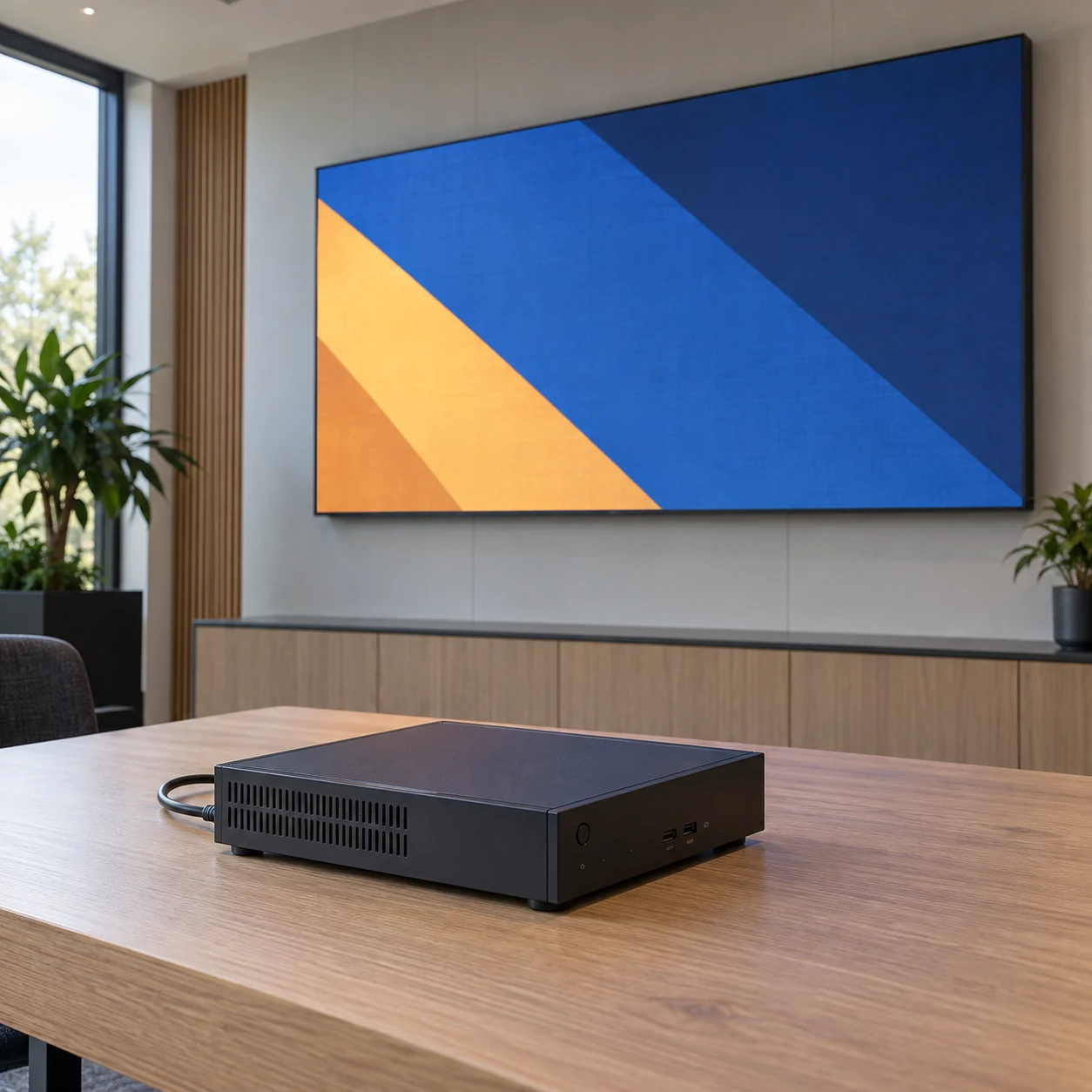
A useful system proposal explains the functions between content approval and the visible image. Some products combine functions in one device, so the table below is a discussion framework rather than a mandatory architecture.
On smaller screens, swipe horizontally to view all columns.
| System element | Function to clarify | Evidence to request |
|---|---|---|
| CMS | Asset organisation, scheduling and authorised publishing | A complete operator workflow with the proposed account permissions |
| Media player | Rendering or decoding the scheduled content | Your files and layouts running on the proposed hardware and software version |
| Video processor or controller | Handling the signal and mapping it to the LED installation | Input, canvas and configuration documentation for the actual system |
| Physical LED display | Presenting the image in the installed environment | On-screen checks of layout, appearance and the intended viewing conditions |
| Network and support service | Content delivery and operational assistance | Documented dependencies, responsibility boundaries and an escalation route |
One visible picture does not establish which component provided each function. Ask the integrator to draw the proposed signal and management paths, including any equipment that is assumed to be supplied locally. Identify where the CMS stops and where display configuration begins.
The LED video processor selection checklist covers the signal-equipment questions that should accompany software selection. A CMS subscription is not a substitute for confirming the processor, input and canvas requirements.
Test content compatibility on the proposed player
Use a small evaluation pack containing the formats your team actually creates. Include the expected resolution, orientation, duration, audio requirement and layout arrangement. If the installation will use a non-standard canvas, show how the complete image reaches that canvas without unintended cropping or scaling.
Ask whether each requirement is handled by the player, a CMS template, an external application or additional processing. A phrase such as “supports video” is incomplete without the proposed file format, playback conditions and device. Keep the demonstrated configuration with the acceptance record so that a later hardware substitution can be reviewed.
Xibo’s display settings documentation provides a practical example of this distinction: settings can vary with the player platform or type. Buyers should therefore request evidence for the actual player profile, rather than treating a platform-level feature description as a promise for every device.
Check multilingual text, fonts and content regions when they matter to the project. Use your own authorised sample assets; avoid evaluating only vendor-supplied files that have already been tailored for the demonstration. The content resolution and aspect-ratio guide helps translate the creative brief into a usable LED canvas specification.
Ask what remains available offline
“Works offline” should describe specific content and conditions. Ask which assets and schedules are stored locally, when downloads are considered complete, and what the player shows if an update has not arrived. Clarify whether a restart changes that behaviour and how the operator identifies an incomplete download.
Separate local media from externally supplied information. A stored image may have different dependencies from a webpage, live stream or data feed. Xibo’s module management documentation, for example, distinguishes cached content from exceptions such as a webpage opened through the player’s browser. This is an example of why offline requirements should be checked by content type, not inferred from one general claim.
For each critical content type, agree the intended fallback and how stale information should be handled. A fallback promotion should not accidentally continue beyond an approved offer period. Decide who selects replacement content, who approves it and how the affected screen is identified.
Test the agreed scenarios in a controlled evaluation environment with the supplier’s supported method. Do not disconnect production equipment to discover its behaviour during a live campaign. Record both successful playback and any content that becomes unavailable; the limitation belongs in the approved scope.
Make publishing authority understandable
An operator should know which screens a change affects before sending it. Demonstrate the distinction between creating content, approving it, scheduling it and changing device settings. Ask whether local editors can alter centrally controlled content and how a mistaken selection is corrected.
Use named responsibilities in the project plan. The venue or buyer should designate an account owner; the integration partner should identify any administrator access needed for support. Explain the process for personnel changes and supplier handover without sharing reusable credentials in ordinary project documents.
The LED display access-control plan can support this operational discussion. Here, the procurement question is whether the proposed CMS can implement the required workflow and whether any additional service is needed. Do not assume the most expensive plan is necessary before testing the actual requirement.
Define useful status and reporting outputs
Ask the supplier to show what an operator sees after an update: scheduled intent, download status, player connection state and available playback evidence. Keep these meanings separate. A device that recently connected is not automatically proof that the physical LED surface displayed the correct asset.
If campaign reconciliation matters, request a sample report and its field definitions. Confirm how identifiers connect to your sites and how incomplete records are disclosed. The LED display proof-of-play guide explains why a playback count, a screenshot and a physical observation answer different questions.
Keep reporting requirements proportionate. An internal information screen may need a different record from paid advertising. Specify the decision the report must support, the review interval, who can export it and who investigates an exception. Demonstrate that workflow before accepting the reporting feature as complete.
Compare the quotation over the operating period
Ask each supplier to separate the display hardware, player, CMS service, integration work, training and continuing support. List recurring and one-time charges separately, with the assumptions behind each. This makes proposals comparable without inventing a universal software price.
Clarify the unit used for licensing: account, device, display slot, user, feature or another vendor-defined unit. Ask what changes when equipment is replaced or sites are added. Confirm any quoted storage, reporting-history or service limits from the current offer rather than from an old product screenshot.
For hosted and locally managed options, compare responsibilities as well as charges. Who maintains the CMS environment? Who handles recovery, supported updates and escalation? A locally managed deployment is not automatically cheaper or simpler; the relevant question is whether your organisation can provide the work assigned to it.
Avoid paying for unclear integration promises. If a requested data connection requires custom work, ask for the source system, expected update behaviour, owner and acceptance test. Keep it distinct from the standard CMS licence so that the supplier can explain exactly what is included.
Check ownership and exit before the first rollout
Ask who controls the account and what the buyer can retain if the service or supplier relationship ends. Distinguish original media files, editable layouts, schedules, reports and device configuration. The ability to download a video does not establish that a layout or workflow can be moved to another platform.
Request a small export demonstration where export is included in the proposal. Have your team open the exported material and confirm what is usable. Record anything that requires rebuilding, additional software or supplier assistance. Do not promise cross-platform portability without checking it.
Clarify the proposed migration steps, support scope and access handover while the account is still operational. Keep the exit plan practical: identify the material to retain, the responsible contact and the transition window. Any contract-specific questions should be resolved with the responsible commercial team, not inferred from a technical demonstration.
Use a short acceptance checklist
Before approval, record the result of these checks and attach evidence to unresolved items:
- The proposed player and CMS versions were identified, including any unsupported combinations.
- Your representative content displayed correctly on the agreed canvas.
- An ordinary operator completed the required publishing tasks with the intended permissions.
- Offline behaviour and content-specific dependencies were demonstrated.
- Status and reporting outputs were explained with their limitations.
- Hardware, licences, integration and continuing support were separated in the quotation.
- Account ownership, usable exports and the exit process were documented.
An unresolved requirement is not necessarily a reason to reject a supplier. It is a reason to clarify the exception, its impact and the agreed workaround before purchasing. Avoid signing off a feature merely because a checkbox appears in a sales presentation.
What to send with an LED display CMS enquiry
For LED display CMS selection, send KSSdisplay the planned screen count, site types, LED canvas dimensions, existing player or processor details, and sample content requirements. Describe who will publish, what local teams can change, how often updates occur and which offline or reporting tasks are essential.
Use the KSSdisplay project enquiry form to request a clearly divided hardware and integration proposal. Ask the team to confirm which CMS, player and service functions are available for your project rather than assuming all software functions are included with the LED display. A precise brief makes the technical evaluation and the commercial scope easier to compare.
Frequently asked questions
Can a CMS replace an LED video processor?
Not as a general assumption. Content scheduling and signal processing are different functions, even when a product combines some of them. Ask the supplier to identify how the proposed system renders, scales and maps the image to the physical LED canvas.
Does offline playback include live webpages and data?
Not automatically. Check each content type and its external dependencies. Agree the fallback, stale-data behaviour and test conditions instead of extending a successful local-video test to every kind of content.
Is one CMS licence enough for several screens?
That depends on the vendor’s licensing model and the proposed playback architecture. Confirm the licensed unit and the treatment of multiple outputs, additional sites and replacement devices in the current quotation.
What is the most useful CMS demonstration?
A demonstration of your own operating tasks on the proposed configuration. It should include an ordinary publishing change, an agreed exception, usable reporting or status evidence, and a clear handover to the people who will operate the installation.




